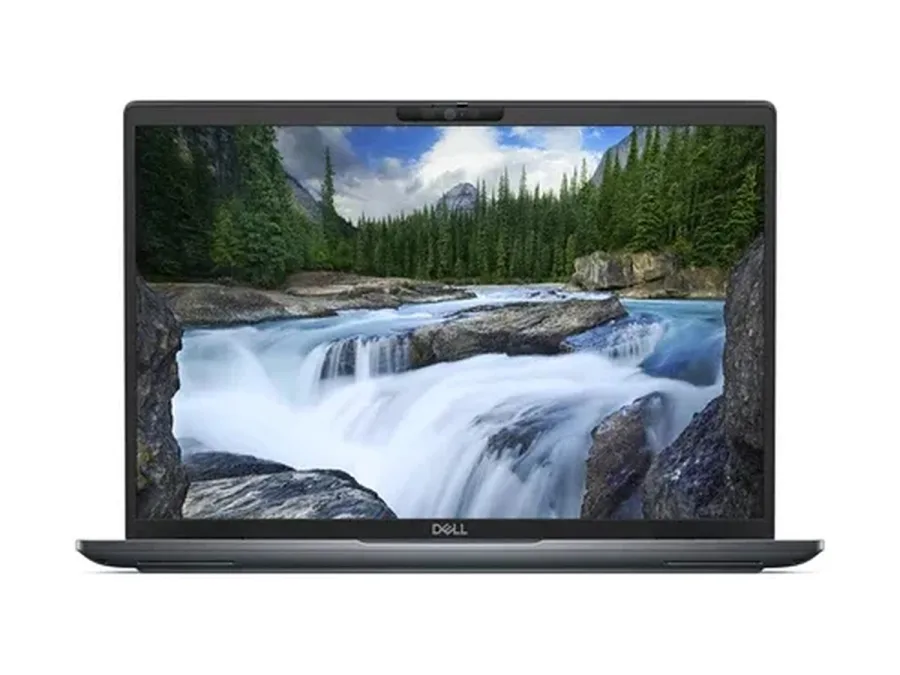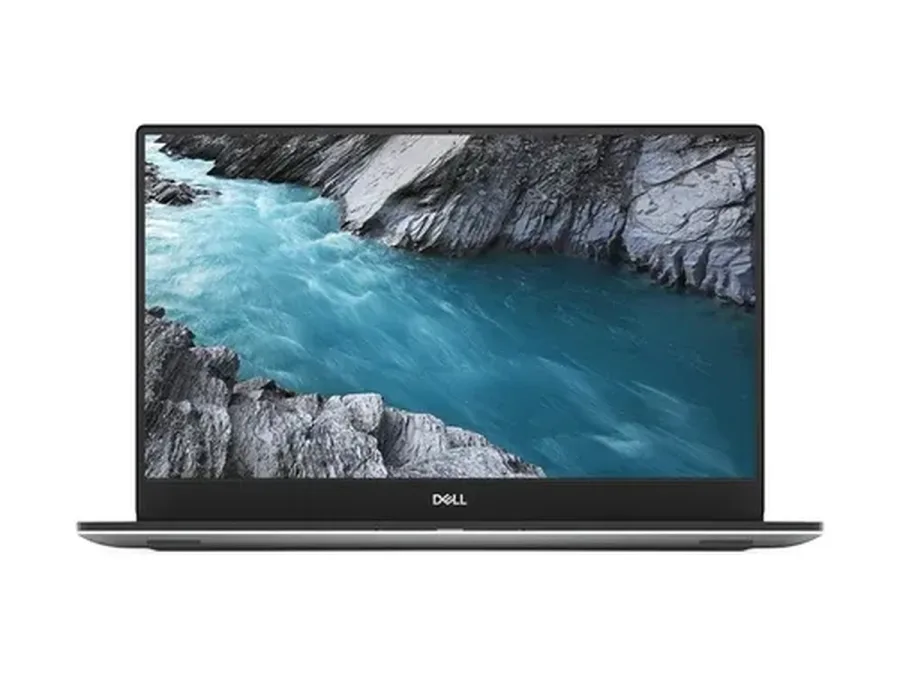
Laptop overheating: causes and fixes before it hurts performance
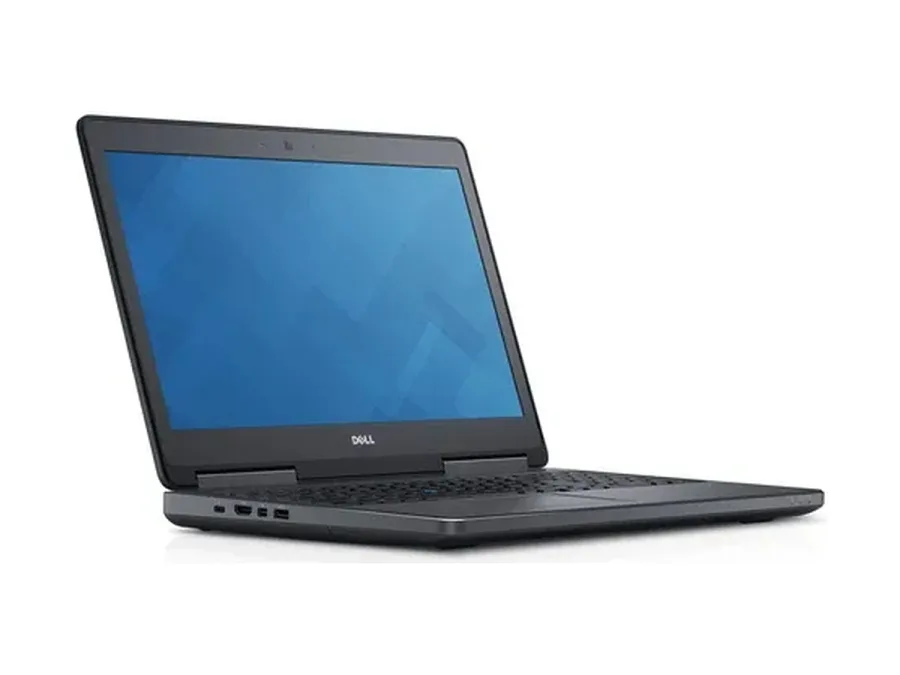
Heat during rendering or gaming is normal; heat during light use, constant fan noise or sudden slowness is not.
Why it matters
CPUs and GPUs throttle when hot, so a powerful laptop feels slow.
Causes
Dust in fans and heatsinks, dried thermal paste, blocked vents, background apps and hot rooms.
Fixes
- Close CPU-hungry apps in Task Manager.
- Use a hard surface, stand or cooling pad.
- Use a balanced power mode for everyday work.
- Blow out vents with short bursts of compressed air.
Still hot? It likely needs internal cleaning and new paste — especially workstations and gaming laptops. Under PRIZERO warranty? Contact us before opening it.