Thunderbolt, USB-C and HDMI: a guide to laptop ports
Ports that look the same can do very different things.
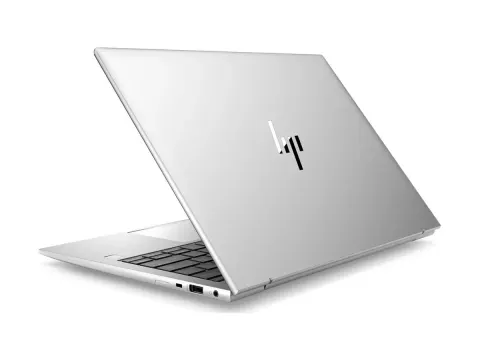
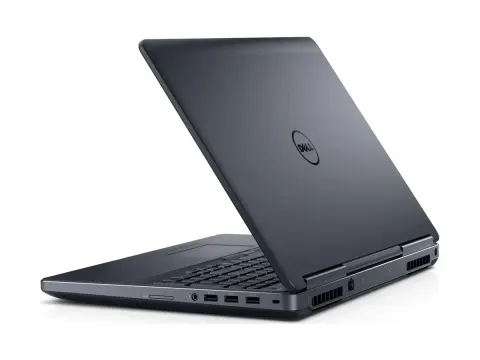
- USB-A: still essential for flash drives and mice.
- USB-C: may offer data only, or also Power Delivery charging and DisplayPort video — it varies by laptop.
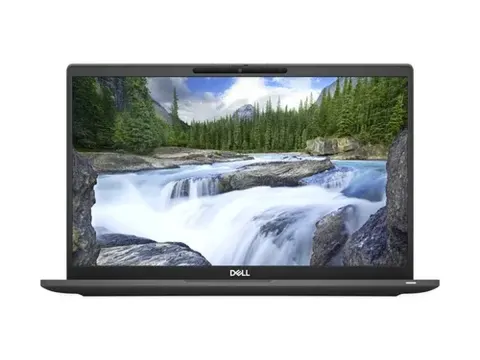
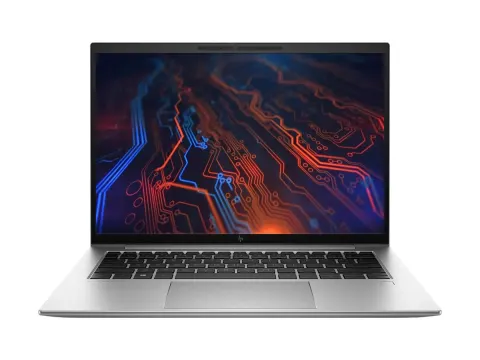
- Thunderbolt 3/4: USB-C shaped with 40Gbps, dual external displays, charging and single-cable docks — common from 11th-gen business laptops like the Latitude 7420 and EliteBook 840 G8.
- HDMI: the easiest way to a monitor or projector.
- Ethernet, SD reader and a 3.5mm jack are handy extras.